The 1.0.4 update adds night vision, robot activity on the map and easier navigation between discovered stations.
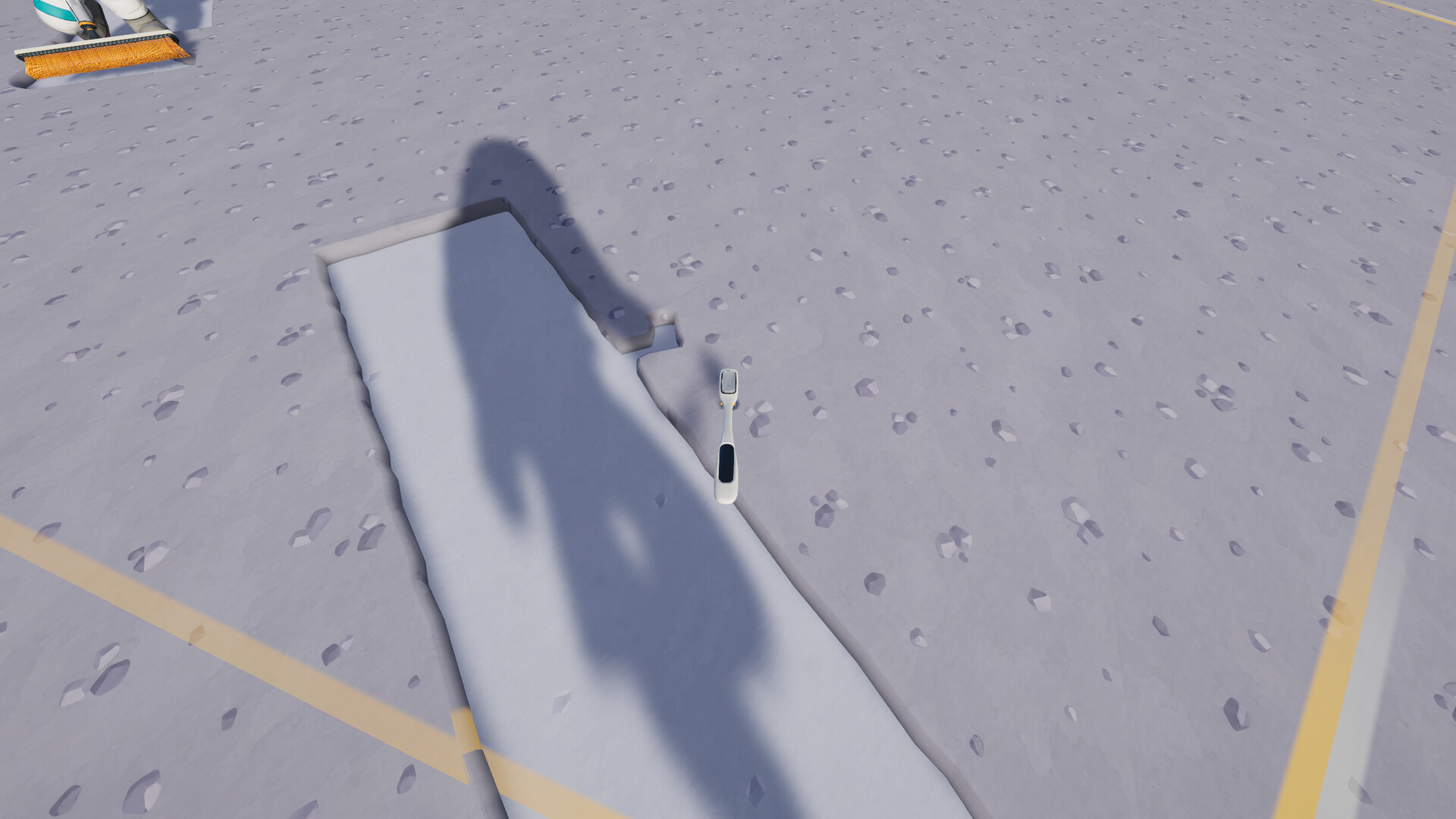
The new night-vision option
Night Vision Goggles are a $350 suit upgrade added in 1.0.4. The official keyboard control is N, cycling the helmet lamp, goggles and off. Helmet-lamp upgrades have moved to the supply wall. If an older guide directs you elsewhere, check its version.
The goggles improve visibility, but they do not replace route planning or increase a machine’s production rate. Choose them when seeing your work comfortably matters to your session. The price here is an in-game purchase cost, not the real-world price of Moon Sweepers.
Use the map to answer one question at a time
The updated map supports right-click actions and shows robots with their activity. The teleport panel lists discovered stations. Begin by locating your current work, destination and the collector you are checking, rather than trying to understand the entire Moon at once.
For a robot problem, compare its reported location with the area you expected it to clean. For a delivery problem, locate the work area and its destination together. For a group session, agree on one active area so people do not mistake someone else’s half-finished test for a completed production line.
Make exploration deliberate
Before leaving an active factory, note what it was doing and where you expect to return. On the next visit, inspect the same points. This gives you a useful comparison if progress appears to stop while you are away.
Do not assume every station is already available to teleport to; the panel refers to stations you have discovered. Check the live interface before committing to a journey. We do not publish unverified total station counts, collectible coordinates or teleport fees. Those details need stronger evidence than a single community claim.
Common questions
How do I toggle Night Vision Goggles?
With the official keyboard layout, N cycles helmet lamp, goggles and off after the upgrade is acquired.
Where did helmet-lamp upgrades move?
The 1.0.4 notes say they are on the supply wall.
Does the map show robots?
The 1.0.4 update adds robot locations and current activity to the map.
Sources & verification
Checked: 2026-10-26. Official Steam details and patch notes take priority. Community reports are labeled. We have not independently play-tested the Steam game. Guides show sources and verification dates; later patches may change the advice.
Watch
Full gameplay walkthrough · Part 1
MOON SWEEPERS - Full Gameplay Walkthrough Part 1 [FULL GAME] No Commentary
Open on YouTubeThe player connects to YouTube only when you load it.